From UIKit to SwiftUI, one day at a time.
You have shipped apps for years. What you are missing is not iOS — it is the last ten years of Swift. This course teaches SwiftUI from there: 54 lessons over 49 days, each with something to build, questions to answer and cards to drill. The goal is to pass a senior iOS interview.
One click, no password. It keeps your place on every device you use. Only your email address and what you tick off are stored.
+--------------+
| Seattle      |
| * favorite   |
| - Pike Place |
| - Alki Beach |
+--------------+
Bordered<Column<Column<Text, Optional<Text>>, Repeated<Text>>>
Program ended with exit code: 0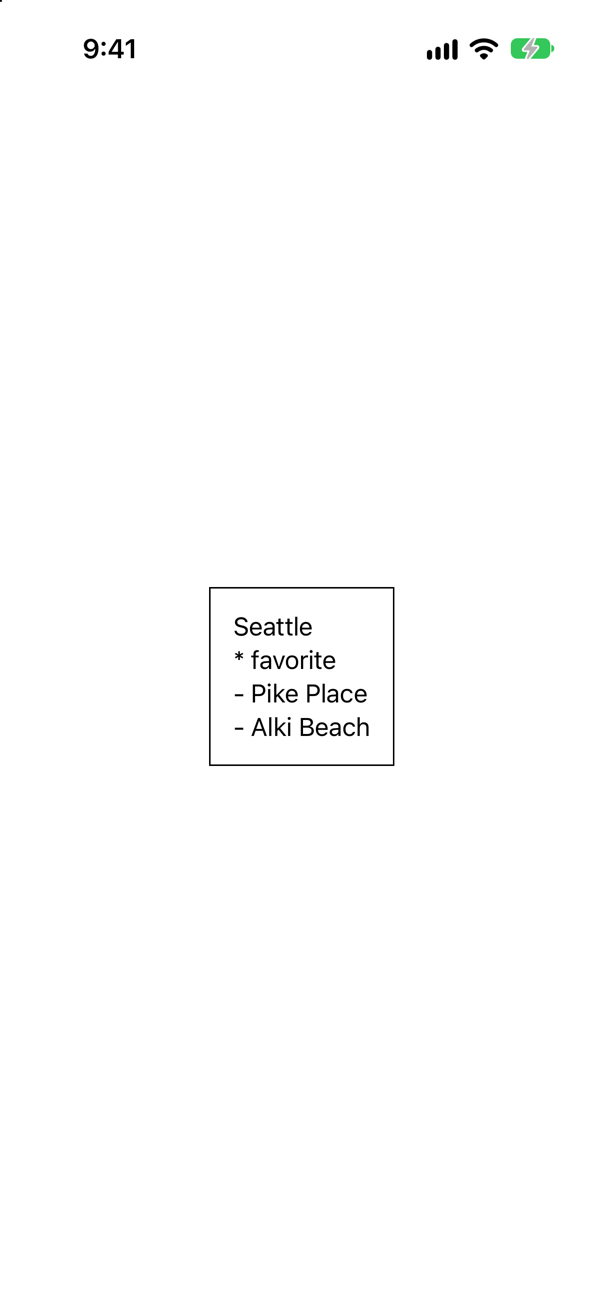
Days 1 to 3: you build a miniature SwiftUI that prints to the console — then the same card in the real thing.
Why SwiftUI looks strange
✦Every strange-looking piece of SwiftUI is a Swift feature added after 2016.
some View, @State, $text, a body with no commas and no return — none of it is special syntax. It is ordinary Swift that arrived after most UIKit code was written. So the course starts with the language: property wrappers, opaque types, result builders, macros. Once you have built each one yourself, SwiftUI stops being a mystery.
What a day gives you
✦The first three days are step-by-step tutorials in Xcode. You make the project, type the code, press Run, and compare what you see with the page. Day 1 — build your own property wrappers — takes about 80 minutes.
Every other day has lesson notes, an exercise and three questions; its tutorial is on the way.
Each tutorial ends with flash cards: how you would write something, and questions written to catch a misunderstanding. There are 41 so far. Try one — answer in your head, then tap it.
Trick question · Opaque typesDoes some Widget mean "any type that conforms to Widget"?
No — that describes any Widget. some Widget means one particular type, picked by the function and fixed when the code is compiled. The caller simply is not told which one.
Each of the 11 parts ends with a problem of the kind asked in senior iOS interviews — with where it comes from, and what interviewers listen for in the answer.
The seven weeks
✦- Modern Swift: what changed since 2016Lessons 1–5
- Getting started with SwiftUILessons 6–8
- Views and layoutLessons 9–13
- State and data flowLessons 14–17
- Lists and navigationLessons 18–22
- Drawing and animationLessons 23–27
- Input and interactionLessons 28–31
- Data, persistence, and networkingLessons 32–35
- Swift concurrencyLessons 36–43
- Architecture, testing, and performanceLessons 44–47
- Platform features and shippingLessons 48–54
Start on any day you like: you choose your start date, and every date in the course moves with it. Tick off each day as you finish it. Your place follows you from laptop to phone.
Day 1 is property wrappers.
By the end of it you will have built @Clamped, a small version of @AppStorage called @Stored, and a small version of Binding called Ref. After that, $text is something you understand, not something you memorized.
Already started? Sign in
Current to Xcode 27, iOS 27 and Swift 6.4.
Every piece of code in the course was compiled before it was published, and every screenshot was taken from a running app.